
This winter, I took on one of my most ambitious career projects to date: I designed, scripted, recorded, edited, and published a training course for the Vitality Project from scratch.
It was a novel experience for a number of reasons. While I’ve made plenty of training content in the past, much of it has been in written form. In the instances I’ve created videos, I used the resources I had at hand as a student and edited screen recordings that I took using PowerPoint tools. I’d done lesson planning for courses and also worked with subject matter experts to develop written training content, but hadn’t yet done these in conjunction with each other.
In creating this course, I was able to take my training skills up a notch from both a presentation and a development perspective. I’ll share with you some of my process in this post.
Background
Vitality is a project intended to improve students’ and start-ups’ capacity to work with ocean data. After speaking with numerous stakeholders in the fall months, I distilled these conversations into themes that we could use to develop trainings.
The first theme I decided to create training for was a backgrounder on the state of ocean data in Canada, including current trends and where to find open scientific data. It’s free on Udemy, and you can find it here: Ocean Data in Canada.
Designing
I started by creating a draft training plan to define what the training would look like, how it would be delivered, and for whom it was intended. I started with outlining two basic parameters: length (1-1.5 hours) and audience (students, new professionals, folks interested in but new to ocean sector work).
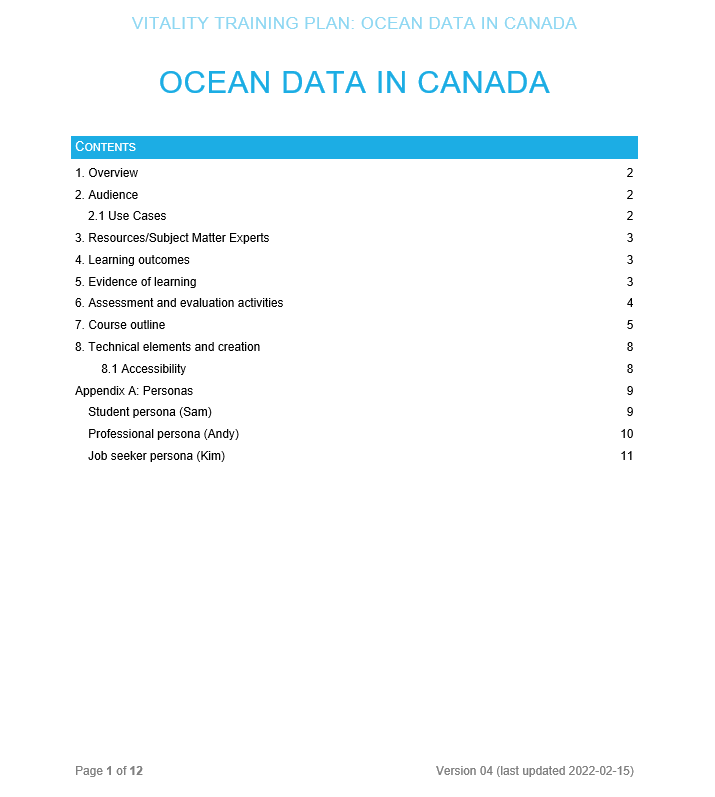
The training plan went through several drafts; at first, I considered offering both the self-paced online course and a live-delivered version. Through conversations with CIOOS Atlantic’s Executive Director, we determined that the resources that would be spent adapting this content to be delivered live were better spent working on developing interactive content for the other themes.
I next considered what I wanted learners to be able to do after completing the course. With backwards design, it’s essential to start from that point and then from there define your activities and then your lessons. My primary goals with this course were to empower students to be able to search data repositories for ocean data, differentiate between the different types of ocean data, and identify the importance of open scientific data.
From there, I designed the activity. Because the course is meant to be a short primer that sets the stage for future Vitality training, it was important to me to give learners enough practice to walk away with a new skill but not to overload them with projects. In a one hour course, having a 15 minute activity allowed me to balance instruction with practice.
The activity I came up with asked participants to choose from one of three scenarios. Each scenario involved the learner helping a researcher find ocean data to fit a specific goal. To meet the researcher’s requirements, participants would need to practice searching one of the data repositories and employing the search strategies we’d discussed in the prior lectures. Participants were asked to provide a link to the dataset, to explain which repository they searched and why, and to state what the re-use permissions were for the dataset. Accompanying each scenario was an example solution against which students could compare their work.
Next, I put together the course outline, which chunked up the videos into general thematic section and, from there, into specific lectures with descriptions of content.

Scripting
Each video lecture was scripted and overlaid with basic ideas about accompanying visuals. The content for the script came from discussions I had with subject matter experts, members of the broader VITALITY team, and partners of CIOOS. I supplemented this information with examples from academic and industry articles.
Scripts for some lessons, such as the video on AI and Ocean Data, were created based on notes sent to me by subject matter experts. Others, I drafted and sent to subject matter experts for review, as was the case for the lecture on licencing, permissions, and re-use.
Recording
As I finished scripts, I recorded them using a MOVO VXR10 microphone, which, while inexpensive, worked very well for my purposes.
After the audio was completed, I gathered screen recordings, stills, images, and other visual components to add to the video.
Editing
This was one of my favourite steps of this project because I was able to learn Camtasia and use it for video creation.
I started by adding the audio, video, and still images tracks to the media library for each video. I then synched them up, added music, annotations, animations, and other illustrations to make the content dynamic and add visual interest.
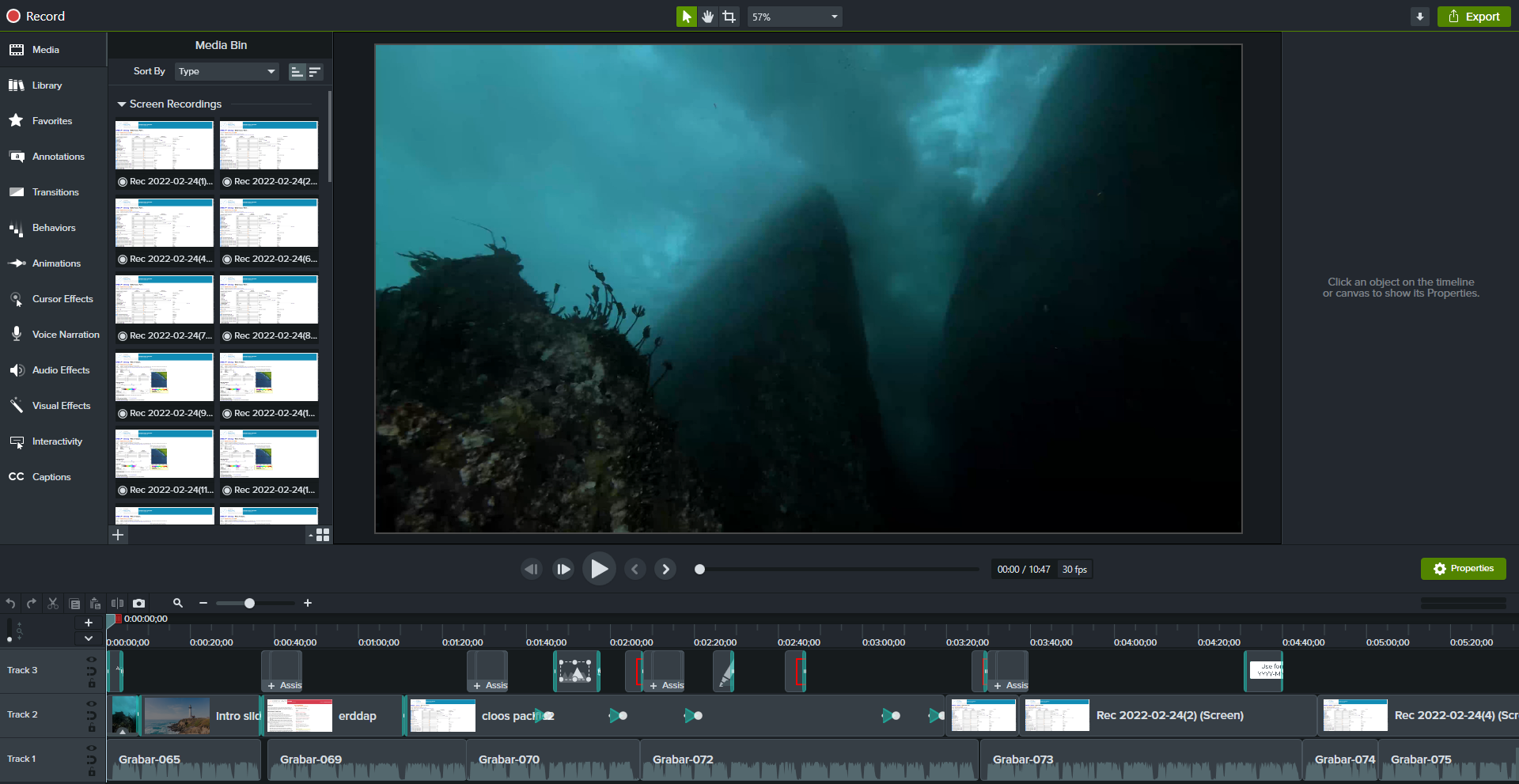
I became much more proficient in video editing throughout the creation process and was able to reduce my processing time by about a third, when comparing the creation of the first video to the final.
Publishing
Udemy’s publication process requires users to submit their courses for quality control reviews prior to publication. After I uploaded all of my content to Udemy, I sent it off for review and received an approval within 2 business days.
Ensuring accessibility was high priority, so after Udemy generated automatic captions, I further edited them for accuracy and clarity. I then added alt-text and/or written descriptions where necessary for the images that accompanied the written lectures.
Future-proofing
Because Vitality is a limited-term funded project that’s scheduled to end in August 2022, I needed to ensure that CIOOS staff would be able to change and update this course as needed.
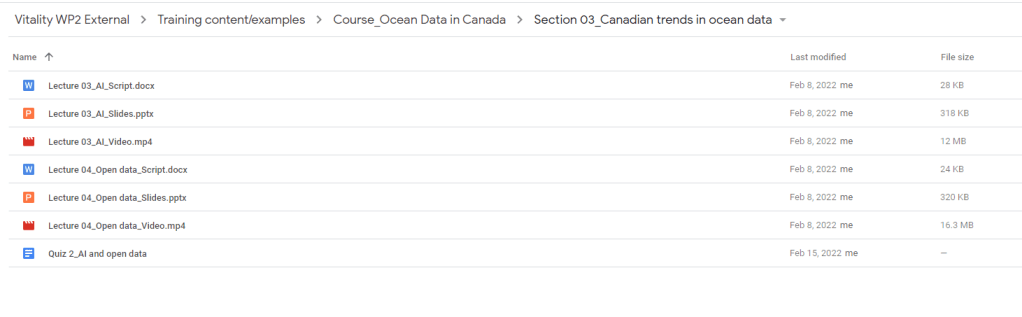
All materials were added to a shared Google Drive. I organized them by section and then by lecture within the section. A consistent naming format was followed to make searching and file location easier for those who may need to access them.

Further, I added a permanent CIOOS staff member as a co-instructor on the Udemy course. This will grant him permission to make any changes needed to the course, to access metrics and course tracking information, and to view student responses to assignments.
 Katherine Luber
Leave a comment